
New inbox tags can only be created from a conversation.
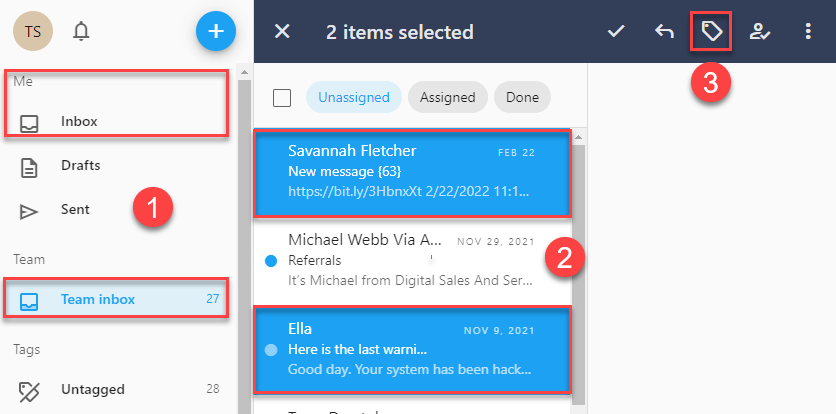
- From the Me or Team Inbox, select a single conversation or hold the SHIFT key to select multiple conversations.
- From the a action menu, click the Tag icon.
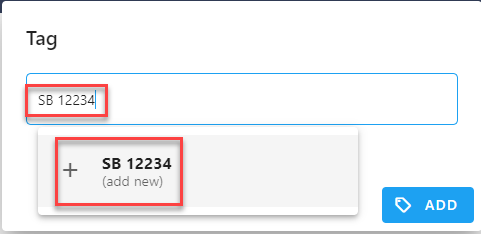
- In the Tag field start typing the name of the new tag. Note: Matching tags will list as you type.
- After you have entered the new tag's name click+"tag name" (add new) and then click Update.
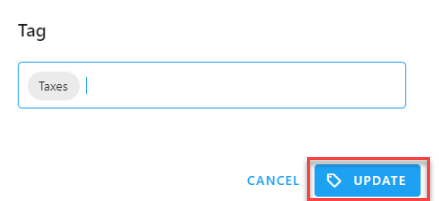
- Click Update to apply the new tag to the conversation(s).
Comments
0 comments
Please sign in to leave a comment.