- Click on Services icon in the navigation menu.

- Hover over the Service tile and click on the case details arrow.

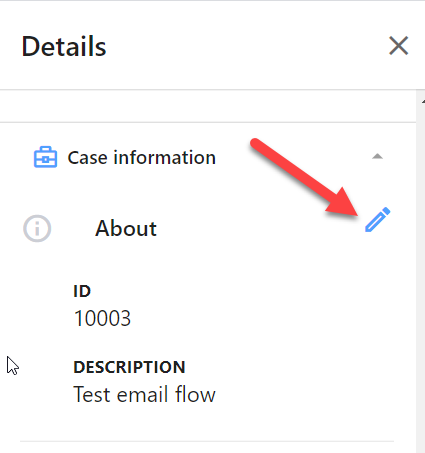
- Click on the Pencil icon in the Case information Panel.
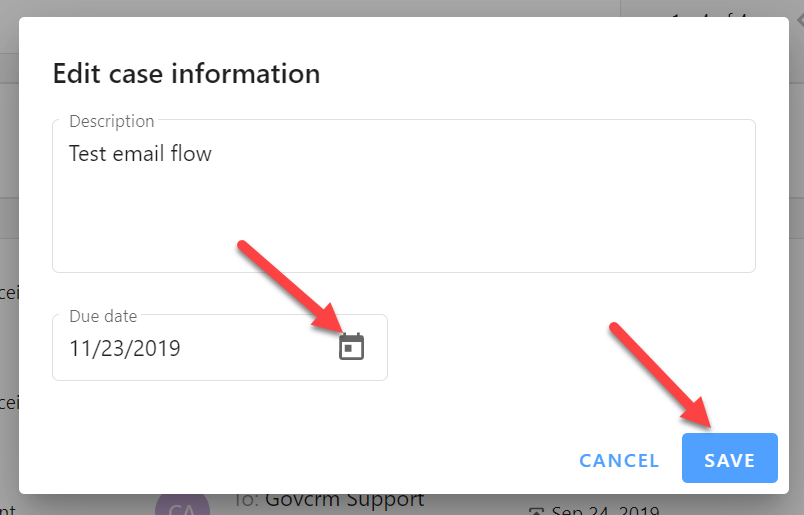
- Add a description or update the due date by clicking on the calendar icon. Then click Save.
How do I edit the description and due date of a Service Request?

Comments
0 comments
Please sign in to leave a comment.