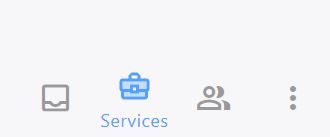
- Click Services (suitcase icon) from the main navigation menu.
-
Hover over the Case Tile that you'd like to open and click the Case Details icon.

-
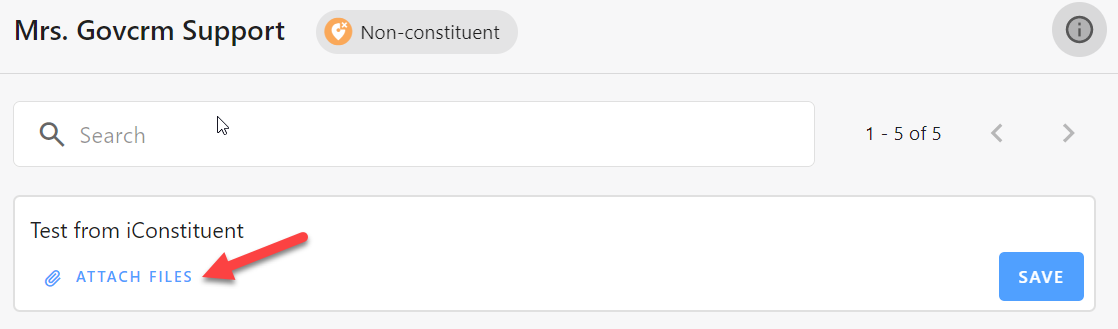
Select Add Attachment in the Add a Comment dialog box.
-
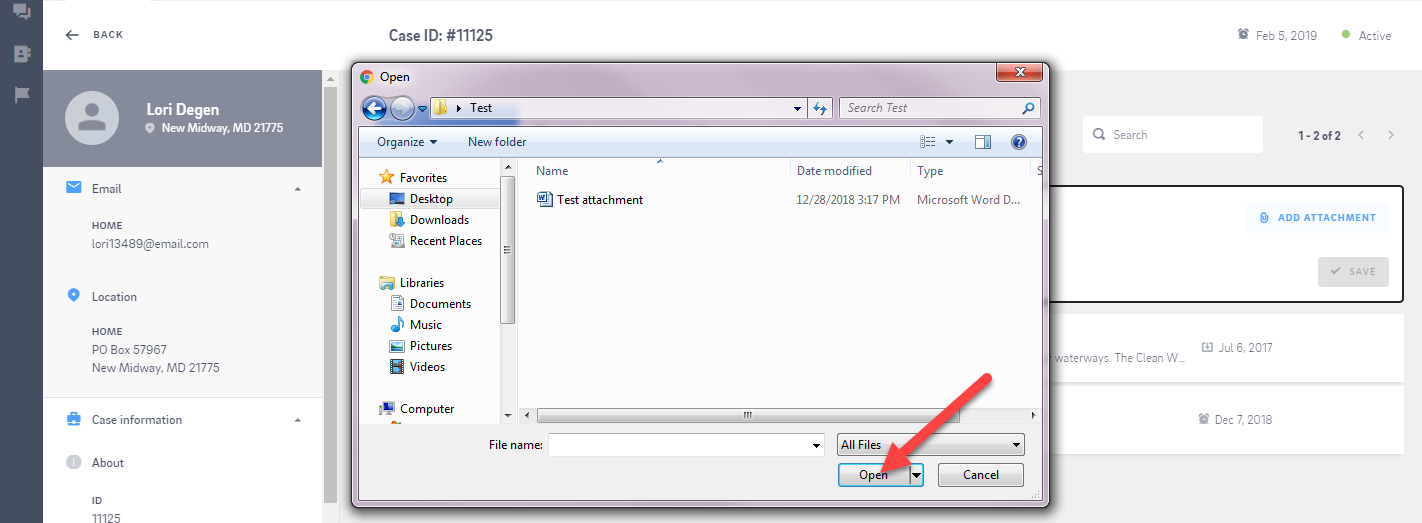
From the Open dialog browse and select the attachment and click Open.
-
Add a description in Notes and click Save.
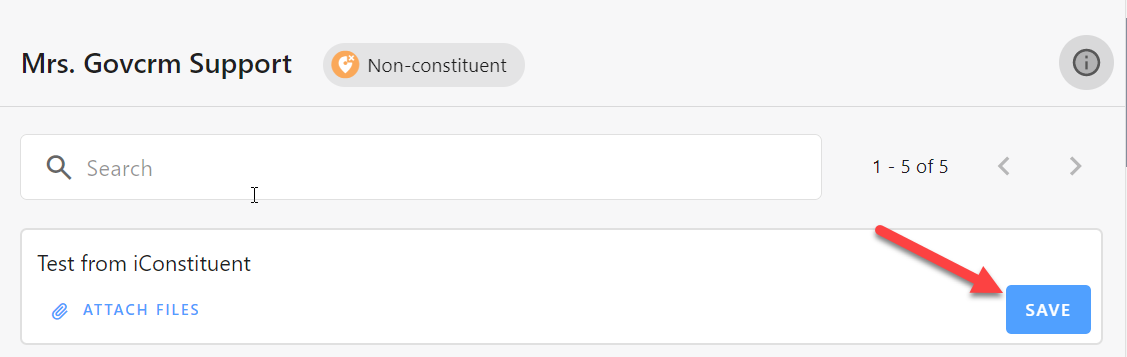
- The attachment displays in the activity as a Paper Clip icon with your description.
How do I add an attachment to a Service Request?

Comments
0 comments
Please sign in to leave a comment.